CloudPano Teams makes it easier to share virtual tours and images with clients and colleagues. Share tours and gather feedback. Collaborate with partners or give restricted access to your buyers.
This feature is limited to Cloudpano Proplus users.
How To Access Cloudpano Teams
Go to your Cloudpano dashboard and click Your teams. It is just below the home button located on the left portion of your screen.
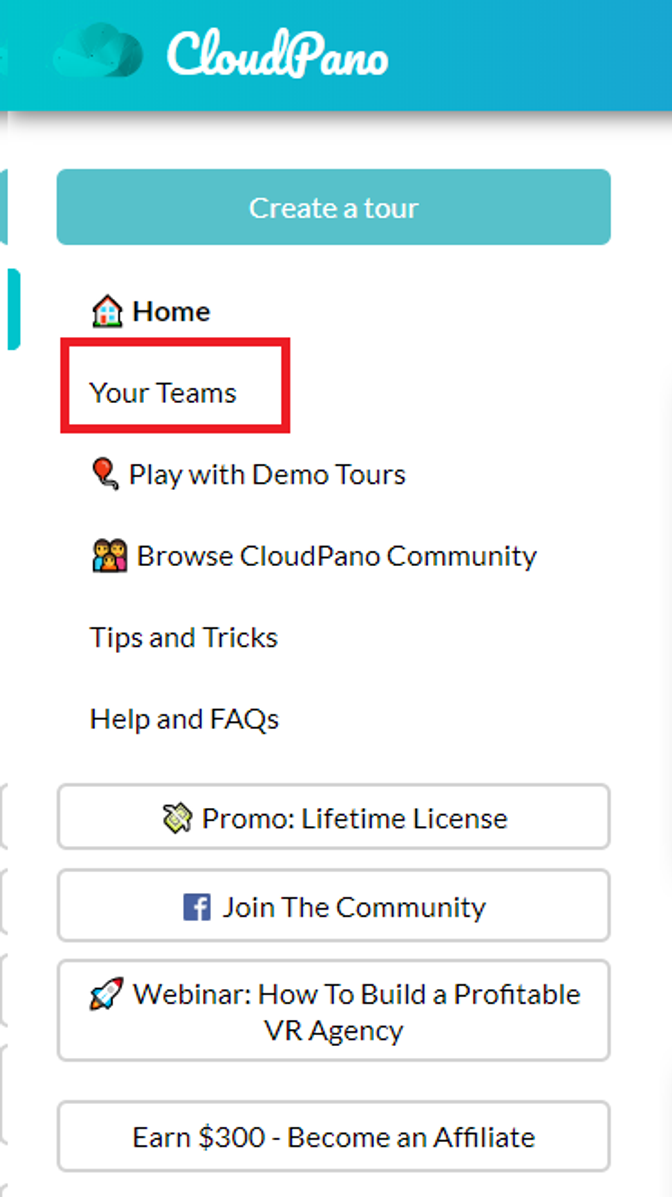
It will direct you to your team's dashboard and you can see the teams you have owned or joined with. Please take note that only Cloudpano Proplus users can use this feature.

How To Create a Tour With Your Team
Start by clicking the create a tour button.
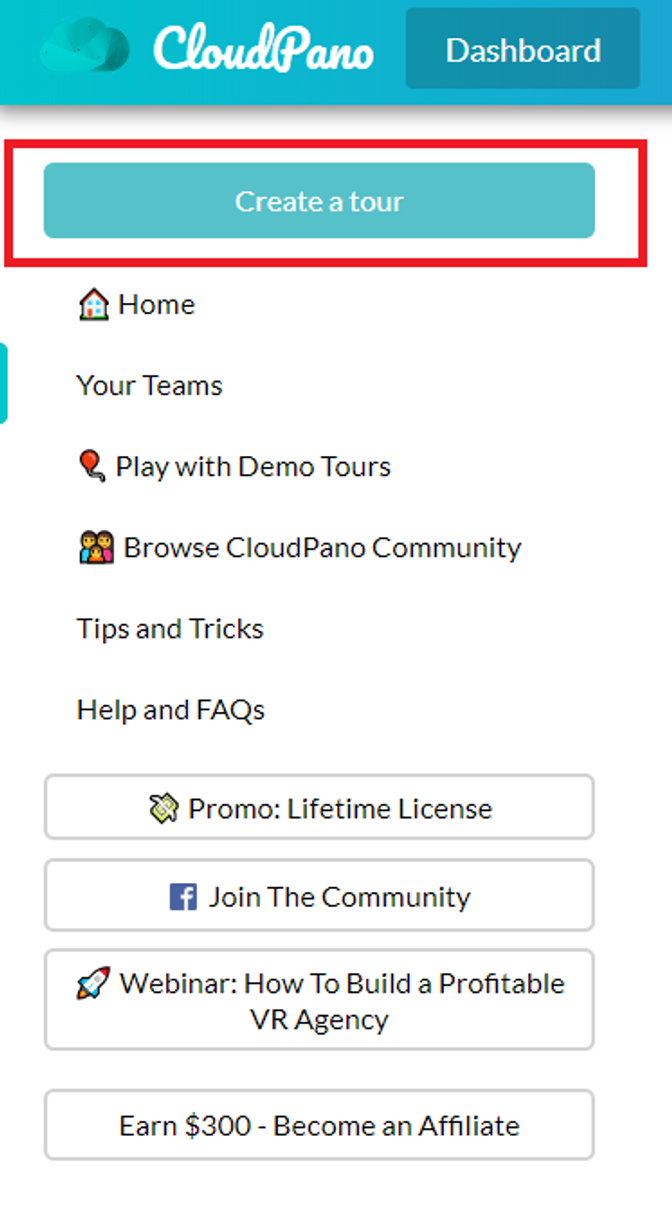
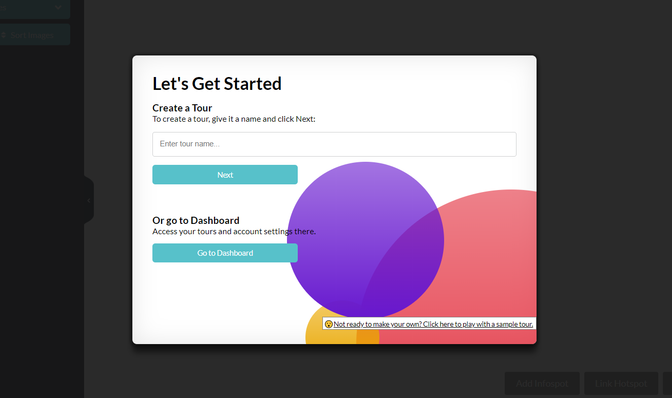
You may choose to create a tour and upload images, or you can go to your dashboard and work on a specific tour.
When you see all of your tours in your dashboard, just choose and click the tour you wanted to work on with your team.
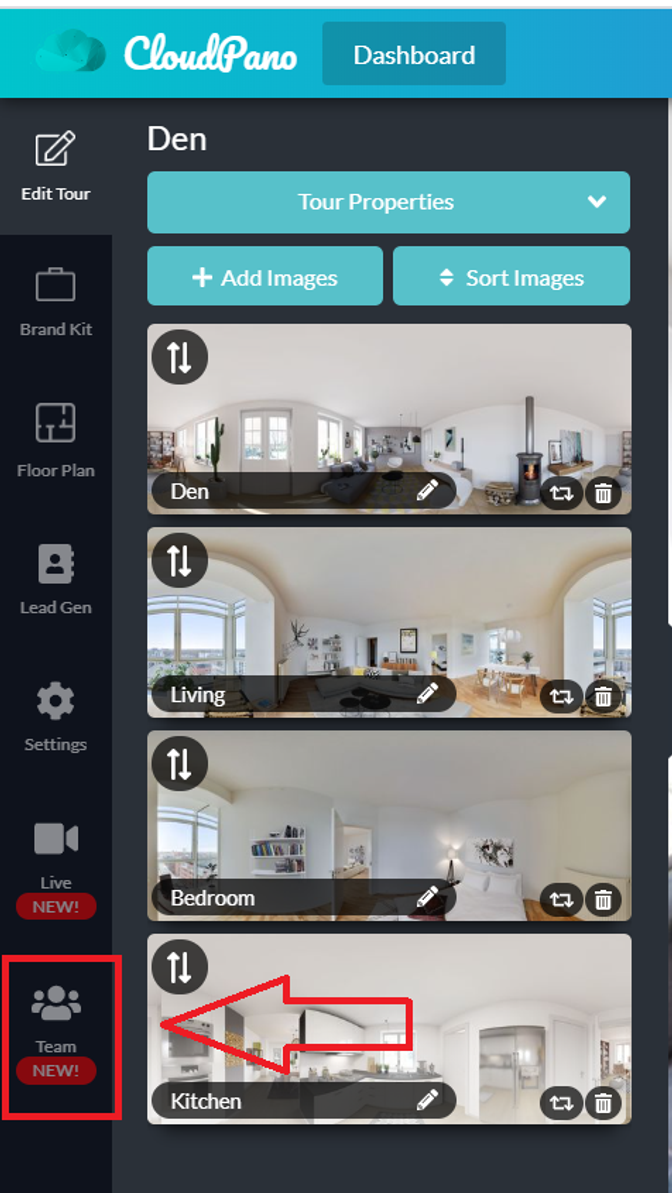
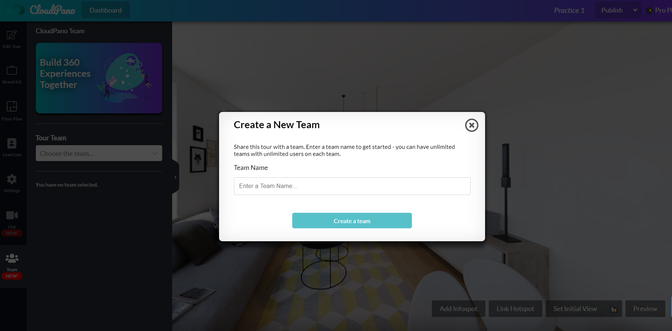
On the Edit tour, you can see Cloudpano Team. Just click on it and you will have the option to create a new team or choose an existing team.