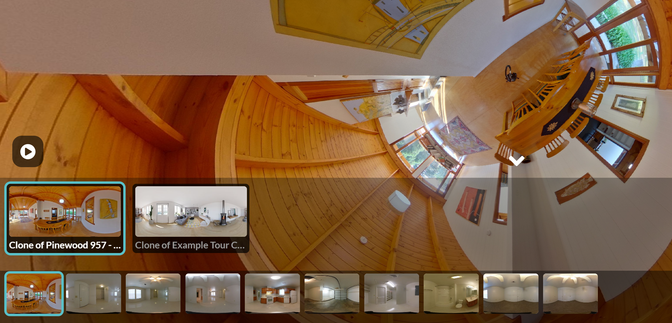
You can combine tours together easily with the Hyperlink Infospot
To link to another tour:
Click "Add Infospot."
Choose type of Infospot: "HTML"
Paste the tour url in the Hyperlink destination.
You may also be interested in our Collections feature which allows you to present multiple tours together. To learn more, email us at support@clouppano.com