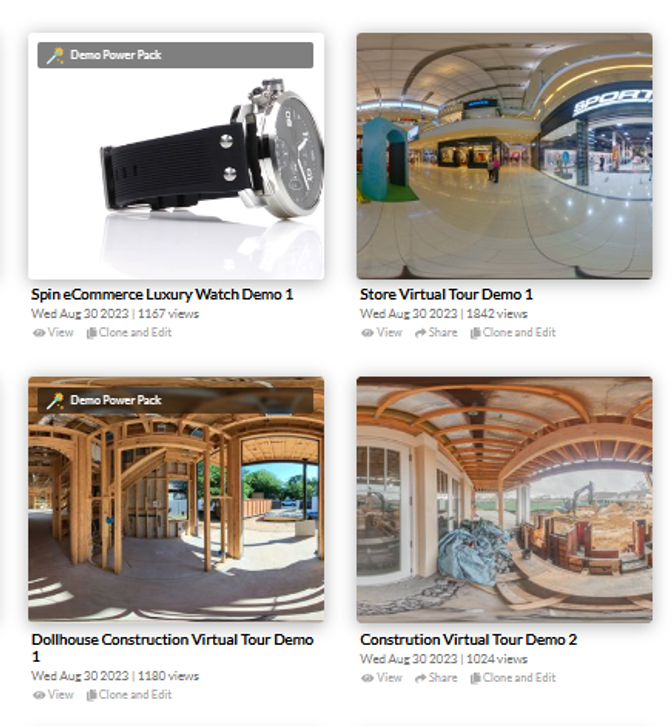
Follow these simple steps to view and use demo tours:
Step 1: Go to the demo tours page:
https://app.cloudpano.com/demos
Step 2: Click any demo tour to open and explore it.
Step 3: If you want to create your own version, click Clone and Edit on the demo tour.
Step 4: The tour will be copied to your account so you can start editing and building your own virtual tour.