

With CloudPano.com 360 virtual tour software, you can easily create a tour and upload it to your website or blog. The video below demonstrates the entire process.
Use the embed link provided when you publish your 360 tour. As described in the following images it is just copy and paste!
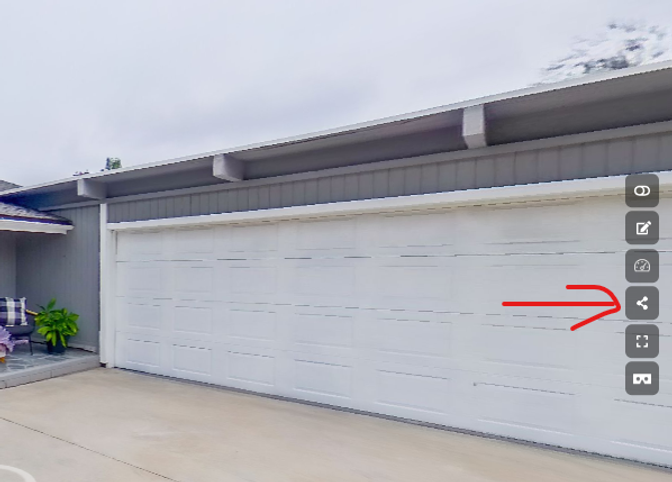
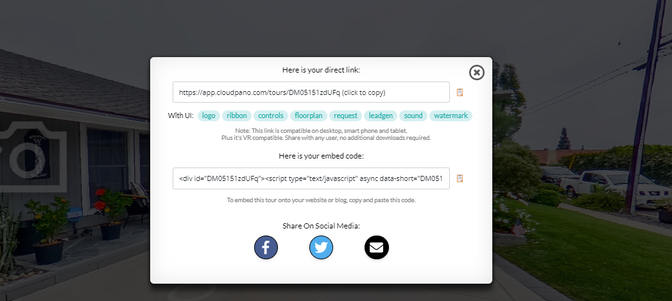
Code example:
<iframe src=”https://app.cloudpano.com/tours/TQl4SzPOaX” width=”100%” height=”500″ allowfullscreen=”allowfullscreen”>This is the code you need to add to your website or blog. And it's the same code used above. If you want to customize the height of your embedded virtual tour, change the pixel number following the “height=”. So in this example, the height is 500 pixels high. You can change it to 600 by just changing the text to
height= “600”
You can make further adjustments based on your website needs and suggestions from your web developer.
Thanks for reading this post and publishing your Cloud Pano tour on your website.