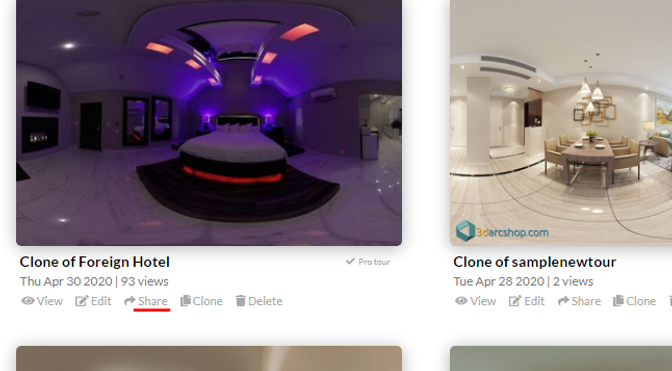
Share links are found on 2 locations, the tour viewer's screen, and on the dashboard panel.
On tour viewer's screen:
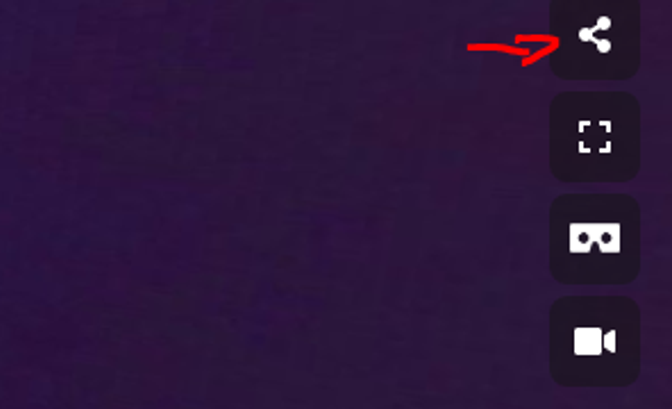
Click the share icon on the righthand side of the screen. See image below
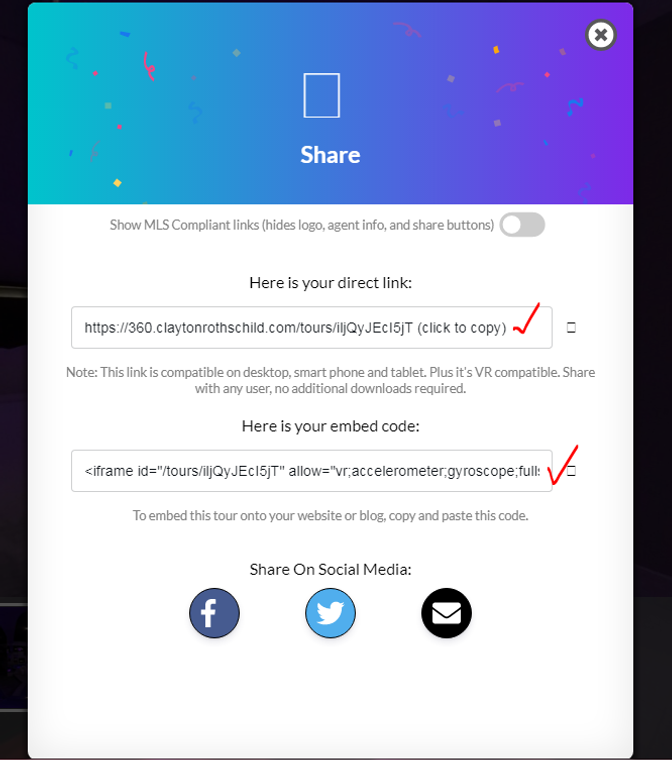
The share modal window will popup. Then copy the link you want to share.
On the dashboard panel:
Click the share button below the tour thumbnail.